Your Image Optimizer
for BuzFind subscribers
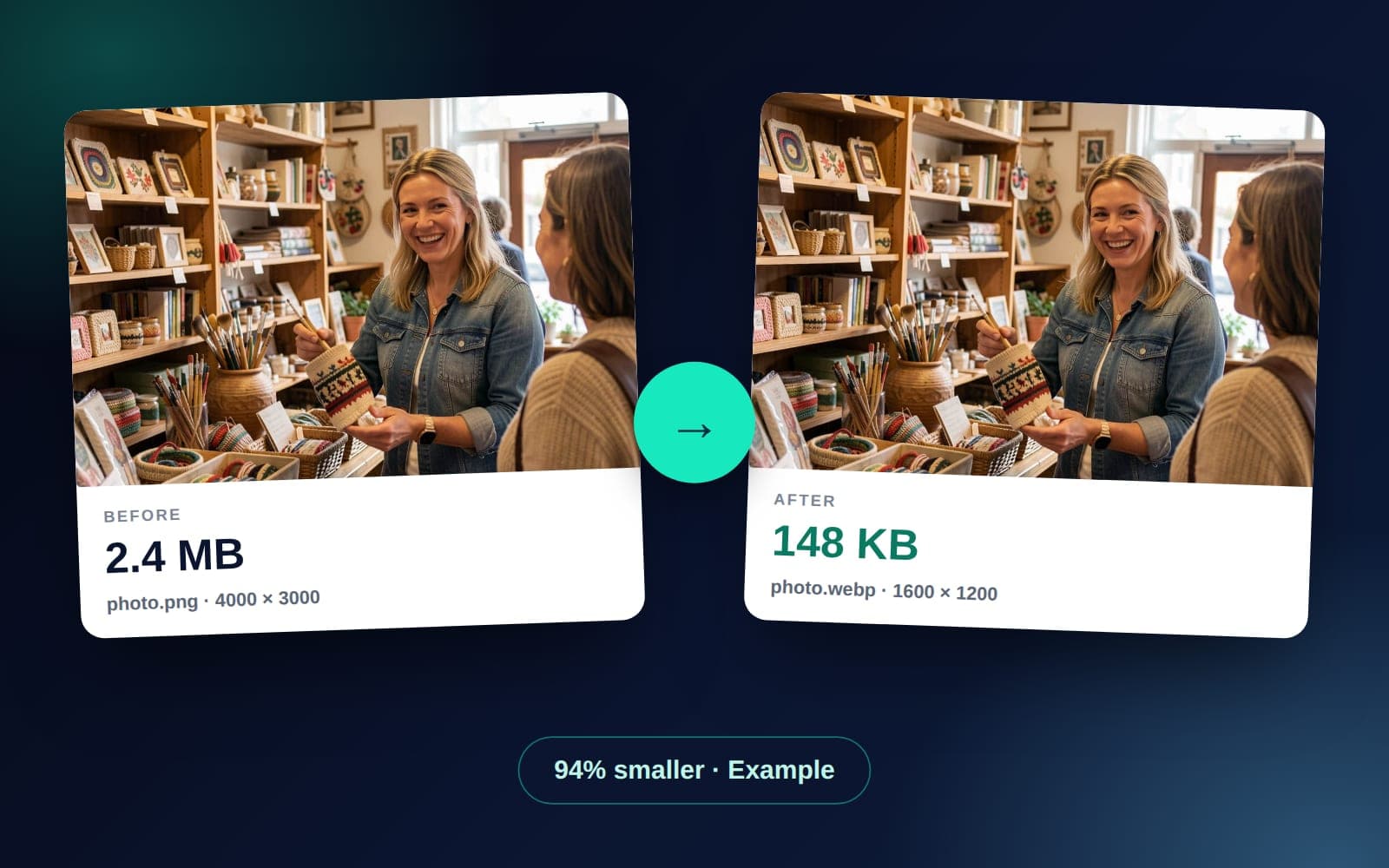
Compress, resize, and convert images to WebP, AVIF, JPEG, or PNG right in your browser. Nothing is uploaded. It's included with every paid BuzFind plan.
10 / day
Included on every paid plan
10 MB
Max file size per image
4 formats
WebP, AVIF, JPEG, PNG
0 uploads
Files stay on your device
What you can do, without leaving your dashboard.
100% in your browser
Your files never touch our servers. Compression and conversion run on your own machine, so big batches do not eat our bandwidth or yours.
WebP, AVIF, JPEG, PNG
Pick the format you need: WebP or AVIF for small files, JPEG when it has to work everywhere, and PNG when you need a see-through background.
Resize and compress in one step
Set a max dimension (800px to 6000px), drop the quality slider where you like, and download a single file or many at once.
No third-party tools
No need to open TinyPNG or Photoshop. The optimizer is in your BuzFind dashboard, next to your other tools.
Where to use it: everywhere you ship a website.
Site Builder intake
Logo too big or in the wrong format? Optimize it first, then upload the smaller version in the intake wizard.
Site Builder tiersWeb Design Services
Bring properly sized images to a custom build. Smaller images help your pages load faster, which helps your Core Web Vitals.
Web Design ServicesBlog and content updates
Convert big phone photos to WebP and resize them for blog posts in a couple of clicks, without Photoshop.
SEO Content ServicesImage Optimizer - Questions Answered.
Is the Image Optimizer included in my plan?
Yes. It is included with every paid BuzFind plan, even the smallest one (Soloist). There is no per-image charge. Customers on a paid plan get 10 image optimizations per day, up to 10MB per file.
Do I need to install anything?
No. The Image Optimizer is a web tool that runs in your browser. Open your dashboard, click Image Optimizer, drop your files in, pick your settings, click Optimize, and download.
Are my files uploaded to your servers?
No. Compression, resizing, and format conversion all run inside your browser using a Web Worker. The files never leave your computer, so there is no upload wait and private photos stay private.
Can I use it for the Site Builder?
Yes, and we suggest it. Before you upload your logo or other photos in the Site Builder intake form, run them through the Image Optimizer. The form shows a link that opens the optimizer in a new tab, so you do not lose your place.
Does it support bulk optimization?
Yes. Drop in several files at once. They are done one after another, and you can download them one by one or all together as a zip file.
What if I am not a paid customer yet?
Sign up for any paid BuzFind plan and the Image Optimizer is unlocked the moment your subscription is active. The smallest plan starts at $129 a month and includes the full tool.
Stop wasting page weight. Optimize your images.
Sign up for any paid BuzFind plan and the Image Optimizer unlocks the moment your subscription is active. There is no extra charge. You can optimize 10 images a day, up to 10MB each.
Start a paid plan