Day 1 onboarding
A simple checklist for what to do right after signing up. About 10 minutes total.
Welcome to BuzFind. Here is a short checklist for your first day.
Step 1: Verify your email
After signing up, we sent a verification email to the address you used. Click the link in that email to activate your account.
The link expires in 2 hours, so do this first.
Didn't get the email? Check your spam folder. If it is not there, call us at call us and we will resend it.
Step 2: Pick your plan
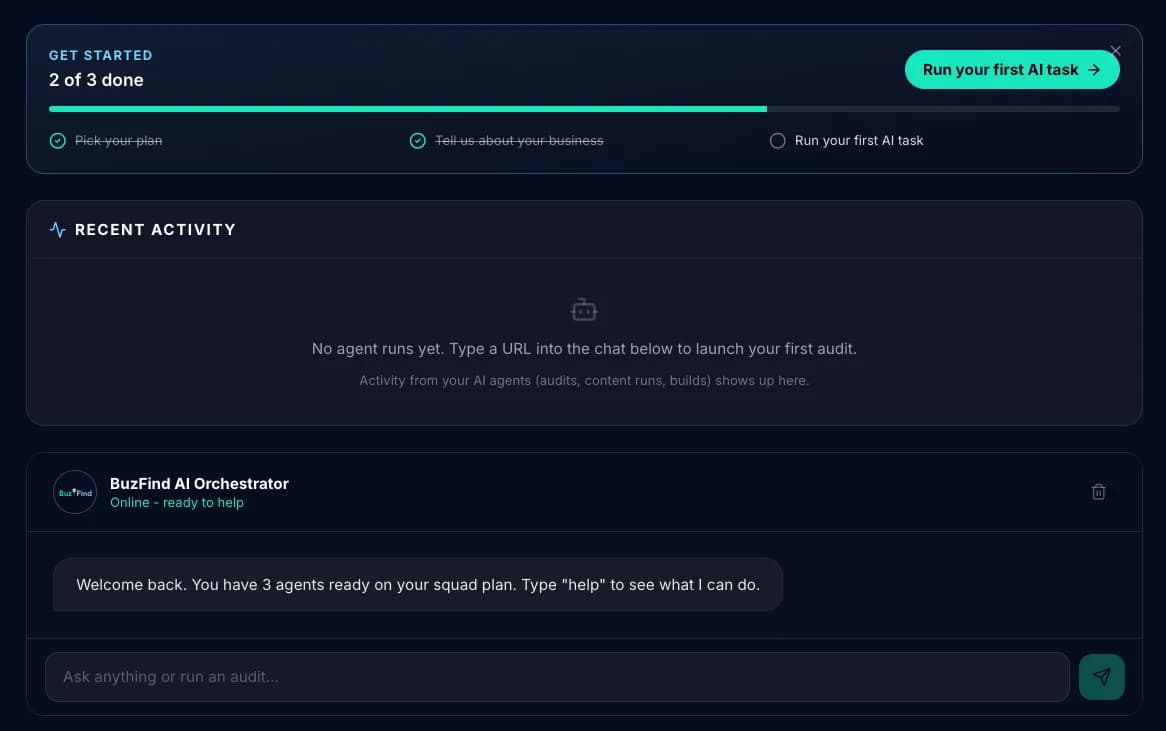
Once verified, you land on your dashboard. The home screen shows four plan options:
- Soloist ($129/mo): 1 agent. Pick this if you only need one kind of help, like local SEO or speed.
- Squad ($249/mo): 3 agents. A good fit if you want help in a few areas, like keywords, technical fixes, and content.
- Department ($499/mo): 5 agents, for businesses that want more areas covered.
- Empire ($1,799/mo): all 25 agents, for busy markets or businesses with several locations.
Click your tier and complete checkout. After payment, you are back on the dashboard with your agent seats unlocked.
Step 3: Fill in your business profile
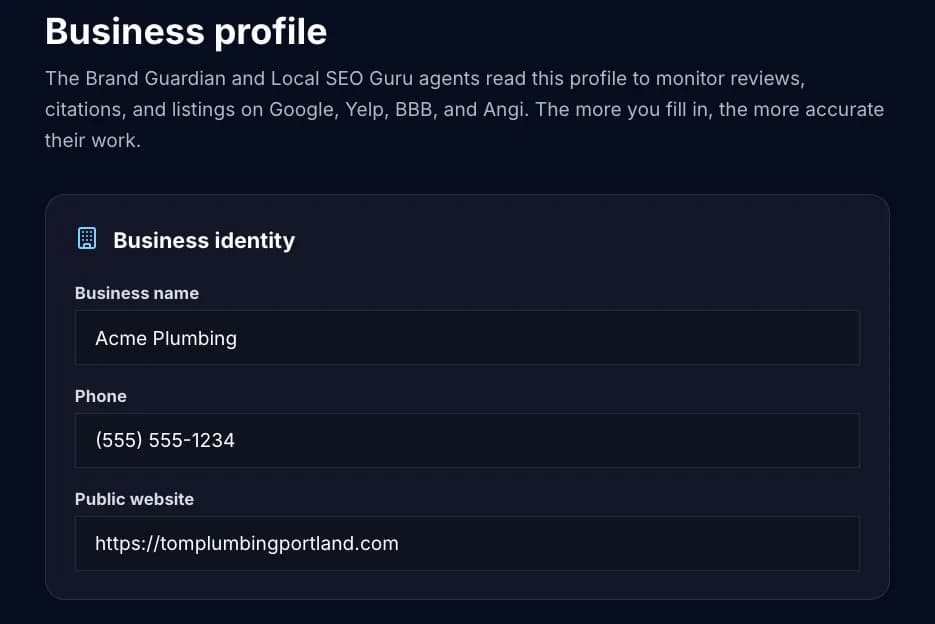
In the left sidebar, click Business profile. Fill in:
- Public website: the site you want us to work on
- Business name and street address: the details customers use to find you
- Phone number: the one customers call
- Service area: the cities or zip codes you serve
- Links to your Google Business Profile and social pages: if you have them
This takes about 5 minutes. The more accurate it is, the better the agents work.
Step 4: Pick your agents
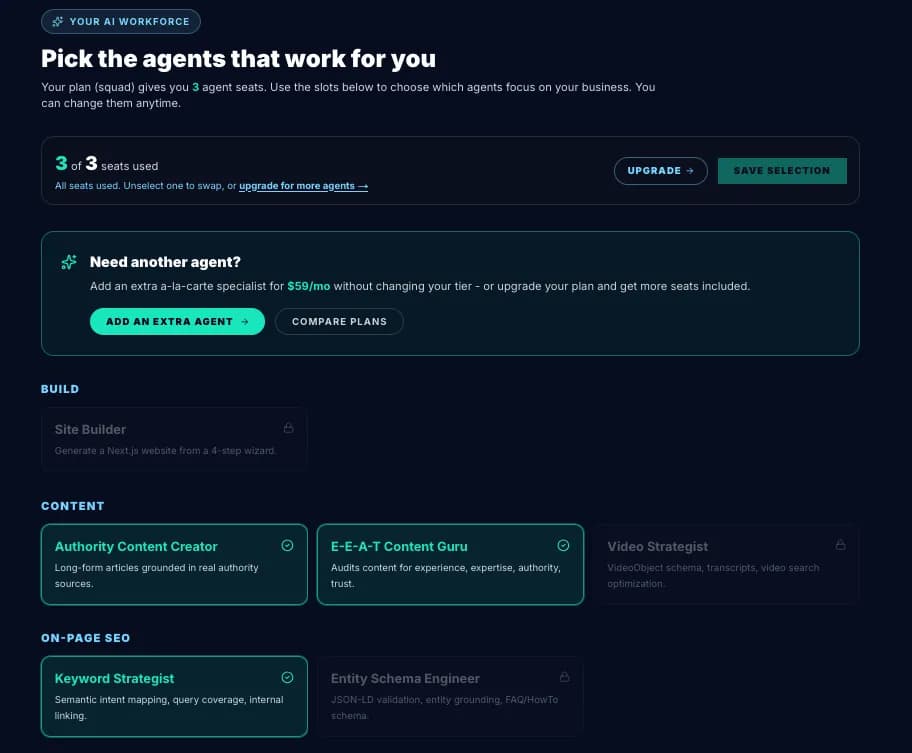
Click My AI agents in the left sidebar. Your plan grants you seats; you choose which specialists fill them.
Not sure where to start? Pick the agents that match your biggest problem today. You can swap them any time at no cost: unselect one and pick another. If your seats are full and you want one more, click Add an extra agent ($59 a month).
Step 5: Ask for your first piece of work
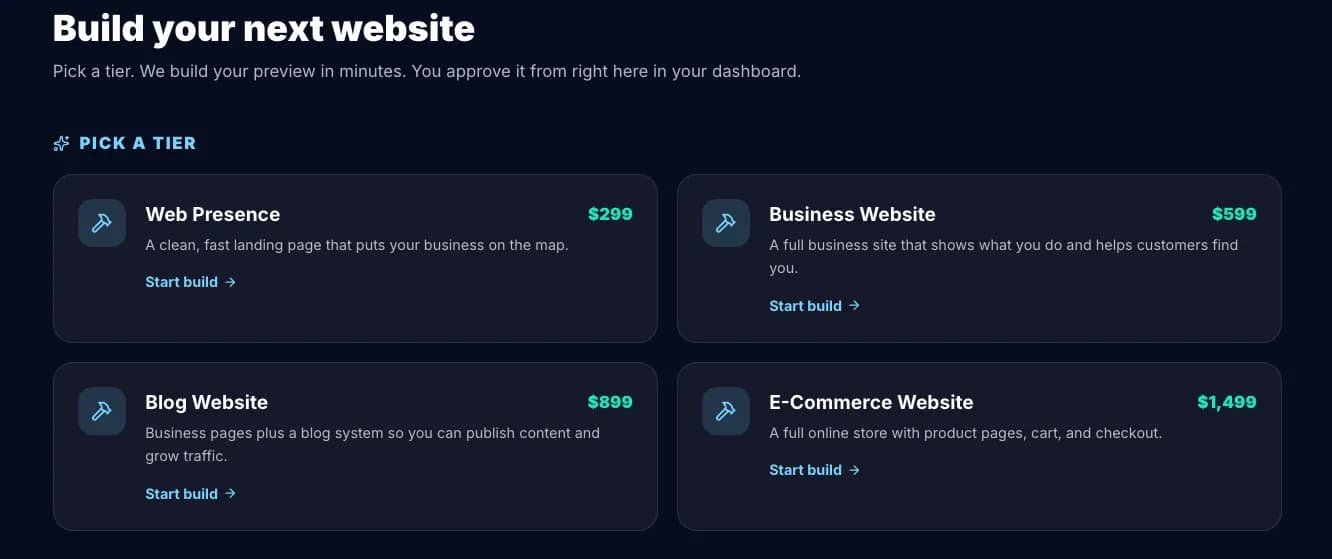
Click back to Dashboard in the sidebar. At the bottom is a chat box. Type what you want, in plain English. Examples:
- "Audit my site and tell me what to fix first."
- "Write me a blog post about how to choose a roof for a small business."
- "Check how fast my homepage loads and tell me what slows it down."
The chat sends your request to the right agents and shows you the results when they finish.
Step 6: Review and approve
When an agent finishes, you get a notification (the bell at the top of the sidebar). Finished audits show up under Audit reports & fixes. For each problem found, you can:
- Fix this for me: on sites we host, some fixes can be applied for you after you approve them. We back up the site first.
- Copy fix instructions: copy the steps and hand them to whoever looks after your website.
Nothing changes on your site unless you approve it. If a fix we applied causes trouble, click Undo this fix to go back to the backup.
Step 7: Watch the activity feed
The dashboard home shows your recent agent tasks once you have something running. Many businesses start to see changes in about 2 to 3 months, depending on competition. We never promise a date.
SEO takes time. Changes build slowly, month by month, so don't expect them overnight.
When something goes wrong
Three things you can do:
- Check the FAQ for the most common questions
- Open a support ticket from your dashboard. Add a US phone number and we call you back, or a WhatsApp number if you are outside the US.
- For quick questions, call us at call us. A real person answers, and the line is open 24/7, holidays included.
What to do after onboarding
- Read the dashboard tour so you know where everything lives
- Browse the 25 agents to learn what each one does
- If you'd also like a PDF audit report that an experienced SEO professional reviews by hand before it is sent, see website audits